The office scanner has emailed you twelve files. You merge them, open the result, and page 10 is sitting between page 1 and page 2. Nothing is broken and nobody has made a mistake — you have just met the way computers sort names, which is not the way people count.
Once you know why it happens, it stops happening. Here is the cause, the two-minute fix, and the other four things that quietly go wrong when a stack of paper becomes a single PDF.
Why page 10 comes before page 2
Files are sorted alphabetically, one character at a time, and digits are characters. Comparing scan2.pdf with scan10.pdf, the computer looks at the first character after "scan": it sees 1 against 2, decides 1 comes first, and stops there. The number never gets read as a number.
So the order you get is 1, 10, 11, 12, 2, 3 — and it will be that order every time, in every program, on every operating system. It is not a bug to be worked around; it is a rule to be used.
The fix: pad the numbers
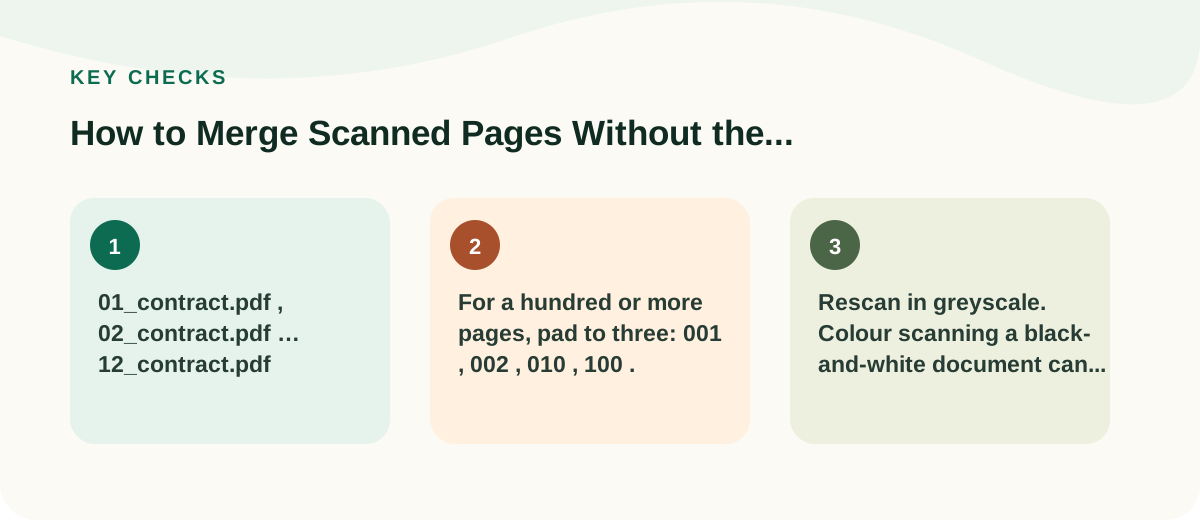
Rename the files so every number has the same number of digits. Add a leading zero to the single digits:
01_contract.pdf,02_contract.pdf…12_contract.pdf- For a hundred or more pages, pad to three:
001,002,010,100.
Now alphabetical order and numerical order are the same thing, and they stay the same in your email client, your file browser, your shared drive, and any tool you hand them to. If you scan documents regularly, adopt this as a habit for everything — it costs nothing and it removes an entire category of small disasters.
You can rename in bulk on most systems: select all the files, right-click, and choose the rename option, which will number them for you. Check the padding it applies before accepting.
Four other things that go wrong
Pages upside down
Automatic double-sided feeders often scan the reverse of each sheet rotated 180 degrees. You end up with a document where every second page is upside down. Rotate those pages before merging rather than after, so you never have to find them again in a two-hundred-page file.
Mixed portrait and landscape
A merged PDF can legitimately hold pages of different sizes and orientations, so nothing will warn you. It prints badly and reads worse. Decide which orientation each page ought to be and fix it at the source.
A page scanned twice, or not at all
Feeders pull two sheets through together more often than anyone admits. The check is arithmetic: count your sheets before scanning, and compare that to the page count of the merged file. If you had 34 sheets scanned on one side, the PDF should have 34 pages. A mismatch tells you to look before you send.
Blank pages from double-sided scanning
Scanning single-sided originals in double-sided mode produces a blank page after every real one. It doubles the file size and looks careless. Remove them before merging, or rescan with the right setting.
Merging
With the files named properly, our PDF merger takes them in one go and joins them in order — and you can drag any file into a different position first if a name got away from you. The documents are read by your own browser and never uploaded, which is the property you want when the stack in question is a signed contract or a set of medical records.
Then open the result and page through the whole thing. Not the first page and the last page: all of them. This is the step everybody skips and the one that catches the upside-down sheet on page 47.
If the merged file is too large to email
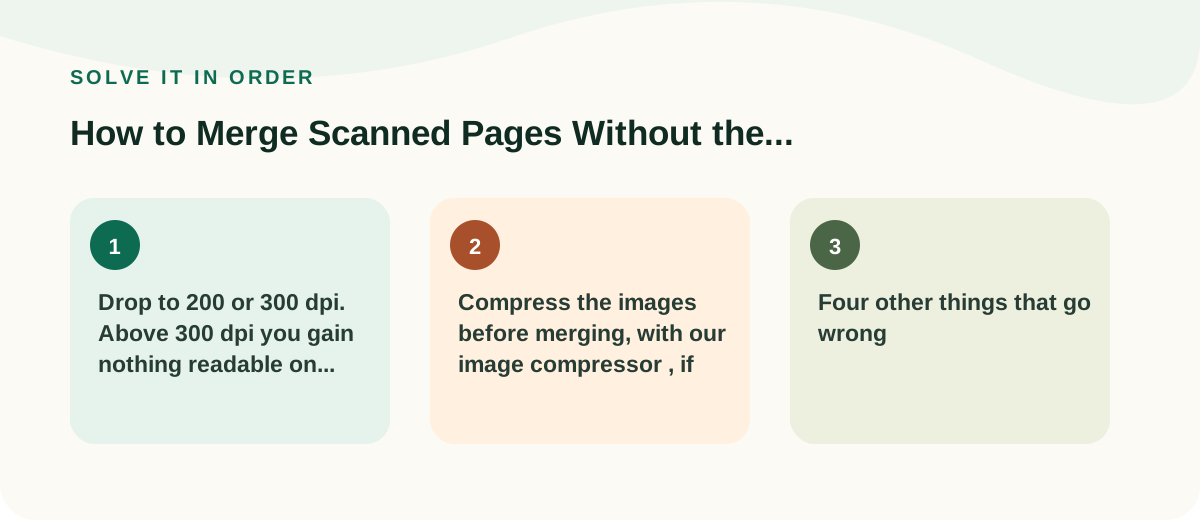
Scans are large because a scanner produces a photograph of each page, and a 300 dpi colour scan of a text document can easily run to several megabytes per page. Three things to try, in order:
- Rescan in greyscale. Colour scanning a black-and-white document can triple the size for no benefit.
- Drop to 200 or 300 dpi. Above 300 dpi you gain nothing readable on ordinary text.
- Compress the images before merging, with our image compressor, if your scanner gave you image files rather than PDFs.
If it is still too big, send it as a shared link instead of an attachment — with a link you can also revoke access later, which you cannot do with an email.
Common questions
Can I merge files that are not all PDFs?
Convert first, then merge. Mixing formats is where duplicated and missing pages tend to creep in, because you lose the simple count of files against pages.
Will merging reduce the quality of my scans?
No. Merging copies each page across as it is. The merged file is roughly the sum of the originals in size, which is also why a large merged file was already large before you started.
The pages are in the right order but the document starts at the wrong place.
That is usually a cover sheet or a scanner-generated separator page at the front. Remove it with our Split PDF tool by extracting everything from page 2 onwards.